
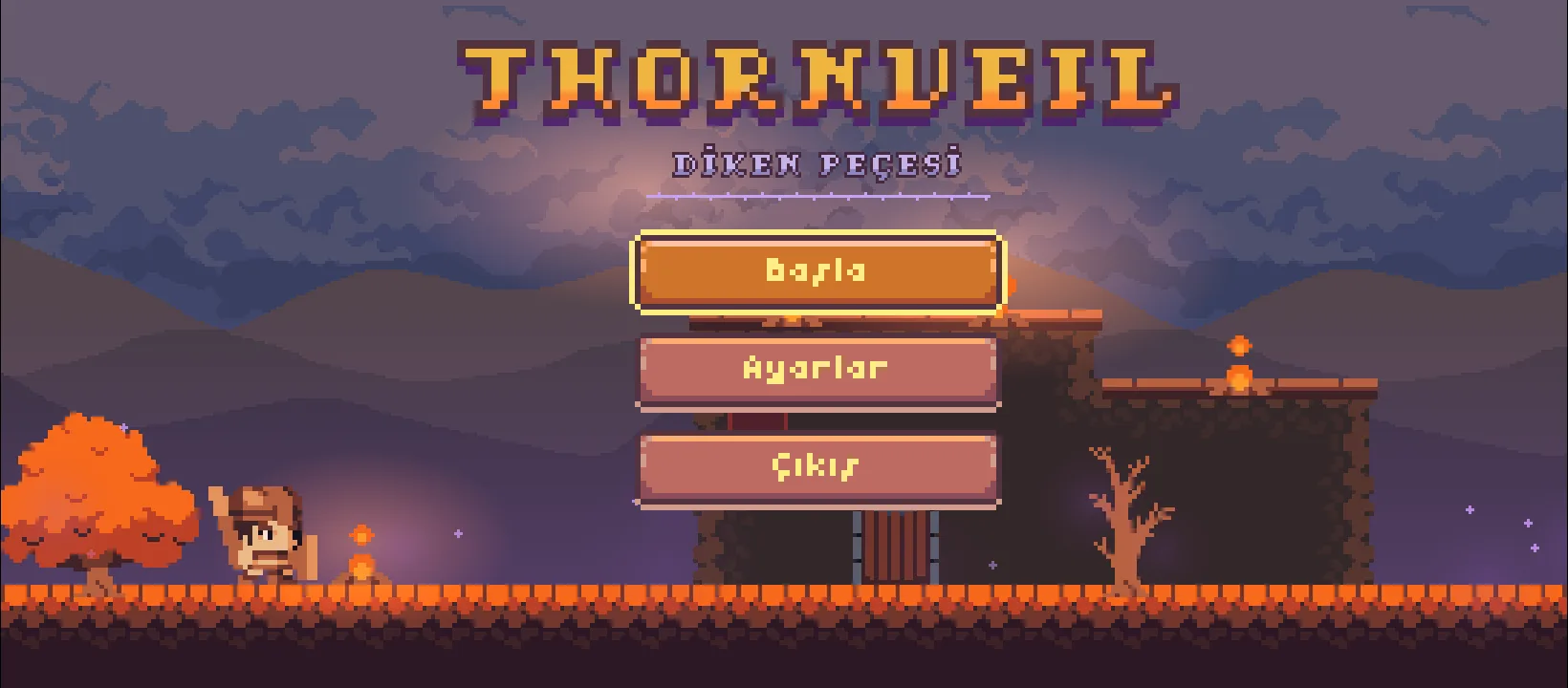
The seventh post closed with the end of four chapters. In this post not a single map was built. Instead the game was installed on a phone, everything found there was fixed, ads were added, and the first closed test build was uploaded to Google Play.
This post is partly a bug log too. A game that runs flawlessly on desktop and doesn't run on a phone, and the reason for that sitting in completely unexpected places — that is the summary of this part.
46 · On the phone

The first problem seen on the first install was that the game didn't fill the screen. The phone was 1640x720, but the game was drawing 1473x648 — a fifth of the screen was a black band.
The cause was how integer scaling was calculated. The game is drawn to a 384x216-pixel canvas, and the engine first finds the fractional scale, then rounds it down. 720 / 216 = 3.33, rounded down it's 3, and whatever is left over on both axes stays black.
The fix was to change not the scale but the canvas: the largest integer multiple the screen can divide exactly is found, and the canvas is set to match. For 1640x720 the multiple is 3 and the canvas 546x240. The scale is exactly 3, every art pixel is 3x3 screen pixels, and 2 pixels are left over on screen.
A phone whose height isn't a multiple of 216 sees a little more of the world, never less — maps are never cropped. 1080p phones and the desktop window stayed exactly the same.
47 · Playing with your fingers
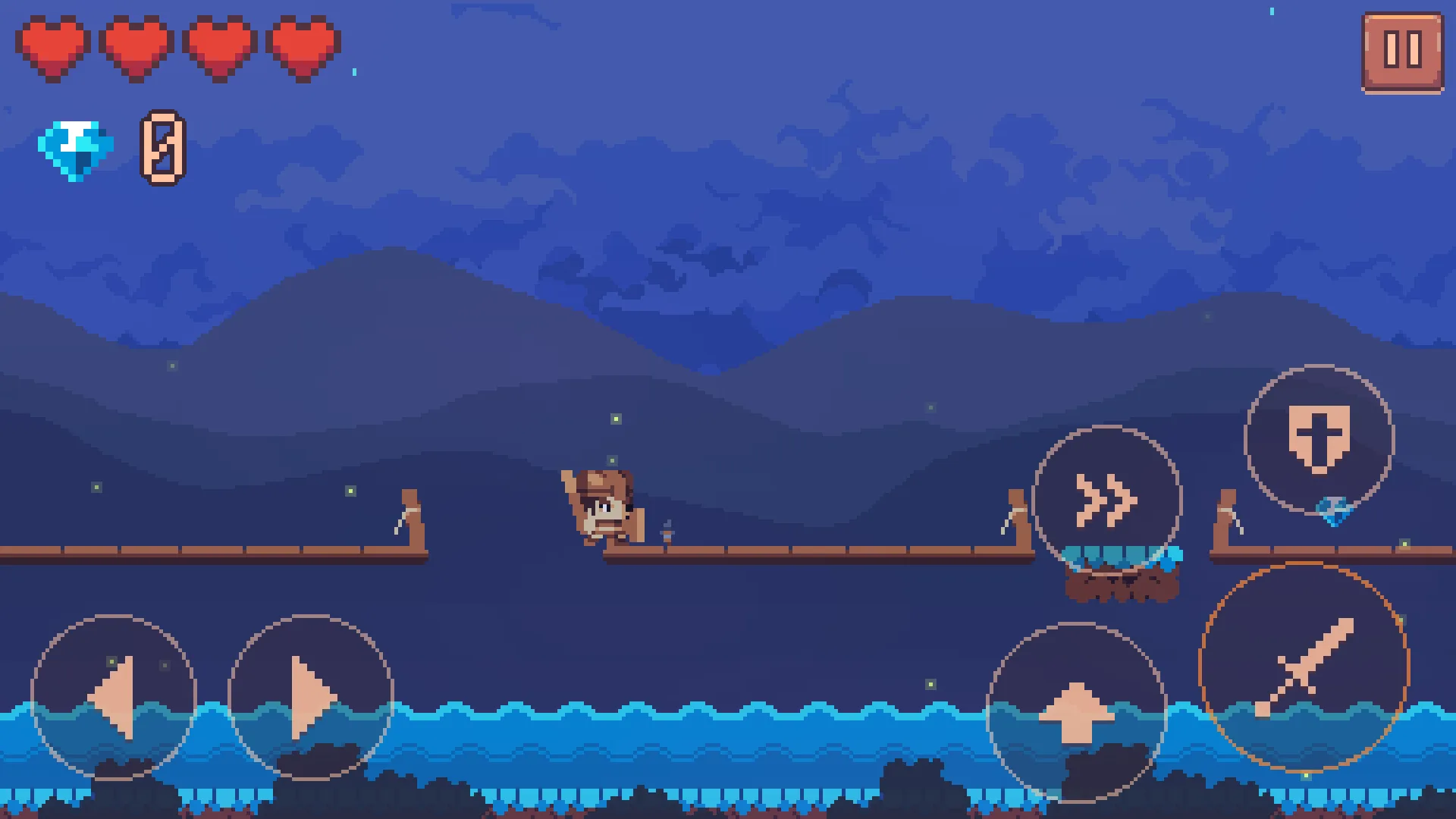
Playing on the phone turned up three things that were never noticed on desktop, and all three were fixed — and all three kick in only on a real phone:
- The "!" mark is twice as big. The mark above a 20-pixel enemy wasn't readable at arm's length. An integer multiple was used, so the pixels stayed square.
- The flashing after a hit is 1.15 seconds instead of 0.9. It takes a finger longer to find the disc again than it takes a hand that is already on the keys.
- Vibration. A short vibration when you take a hit, when a parry holds, and when the sword connects. It can be turned off in the settings.
A mistake was made here and it's worth noting: on the first attempt these three were tied to the question "are the touch controls on?". But in the project, showing the mouse as touch is on, so that question answers "yes" on desktop too — which means the desktop balance had quietly changed. A boss test caught it. Now there is a separate question: "is this really a phone?"
The two bugs the owner found on his phone
Some checkpoints were starting the character inside the ground. In forest_03 three torches stood at the bottom of a two-tile chimney: ground everywhere, rock at head height on both sides. Arin, spawning there, could only jump straight up, and on a touchscreen that reads like "I'm stuck in the ground".
Now both the placement script and the audit script require two tiles of clear headroom on at least one side, and a test proves this inside the engine for all 390 spawn points.
Rarely, enemies were spawning outside the arena. An ambush wave shifts a spawn point two tiles sideways if it would land on top of the player. That shift was limited only by a distance from the centre of the trigger area, not by the arena's real walls. In a narrow arena this could put the enemy outside the gate. Now the walls are read from the arena's own gates, and the shift is only a preference — it isn't done if it would cross the gate.
48 · Ads
The game is free and will be supported by ads. The rules were set from the start:
- Rewarded ads in four places, all from a single panel and all completely optional: the ad billboard on the map (one extra heart for that map), a free heart vessel at Faber's workshop, gems on the end-of-map card, and a revive where you fell after a death. Refusing costs nothing.
- An interstitial in one place only: after a map is finished, when you press "Continue", behind the black. Never in the middle of play, on death, in dialogue, or at the end of a chapter.
- An ad that hasn't loaded is skipped instantly, so the card never waits.
The panel itself has a rule too: the reward is stated before you agree, "Watch" and "Cancel" are the same size, and neither is dressed up.
The revive option was deliberately kept narrow — the owner wanted it, I argued against it because it bends the "only death sends you back to the campfire" rule. The compromise: once per map, half health, the checkpoint isn't moved, no save is written, and the death still counts on the card.
The ad itself wasn't filling the screen
When a live ad opened on the phone, a band was left on two edges. Instead of guessing, it was measured while the ad was on screen: the game's window was [0,0][1640,720], the ad's window [72,0][1640,720]. When the screenshot was read pixel by pixel, the game itself was visible in the 72 pixels on the left (the notch strip), and in the 96 pixels on the right the navigation bar had come back.
It isn't solved with a theme: the ad screen forces its own theme, and nothing set application-wide reaches it. The first fix I tried did nothing at all for exactly this reason — it was proven by reading the APK's own manifest. The solution is at runtime: the app gives every screen other than Godot's the settings it gives to Godot's own window.
A black screen after the Syoo Games title
The bug that came up after the upload to the closed test is the most instructive part of this post.
The game opens, the studio title appears, then the screen stays black. The music plays. Touching does nothing, but pressing the back button opens the menu. And this only happens on the first install.
My first guess was the screen-filling code: on the first launch the app might be born in the phone's current orientation, and the window might be reporting its portrait measurements before it has turned landscape. Then the canvas is calculated wrong, the integer scale rounds down to zero and nothing is drawn. It made sense, it was fixed, a test was written — and the screen stayed black.
Measurement gave the real answer: the game was drawing 87 frames per second in the background, so the engine was working perfectly well, it was just drawing something black. And there was no window sitting on top of it either.
The cause turned out to be the "this game contains ads" notice shown on the first launch. Two things were going wrong at the same time:
- The notice pauses the game tree. The menu's animation opening out of black is an ordinary tween, so when it's paused it freezes on full black. The thing that would have cleared it was the thing that was frozen. 2. The notice panel was being added to layer 0, while the black curtain is on layer 100. So even without the pause the panel stayed under the black and wasn't visible.
The back button closes the notice and lifts the pause, the animation carries on from where it left off, and the menu arrived. On the second launch the notice never ran again, so the bug wasn't visible either.
The owner's decision was to remove the notice entirely: "no game says that." True — Google's requirement is the "Contains ads" label on the store page, not an in-app window. The notice was removed and two structural tests were written in its place, because the real lesson here was this: nothing should pause the game during the opening animation.
The store side
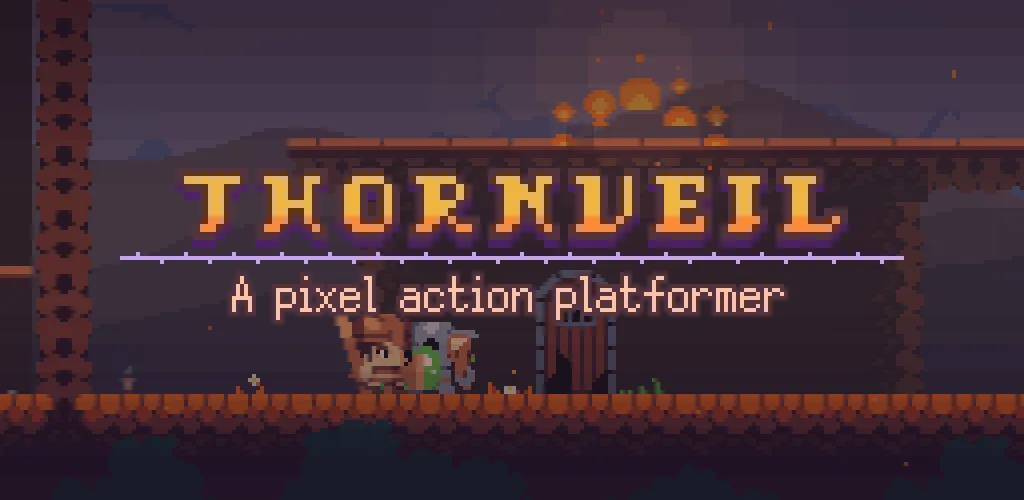
- Eight screenshots and the 1024x500 feature graphic are captured from inside the game. The text is printed in the game's own bitmap font, on the same pixel grid; no image is scaled. The shot list and the texts are in a single file, so changing a headline doesn't mean touching code.
- The touch discs are off in the screenshots — on the first attempt they were on and were covering the art.
- The privacy policy was prepared as a single TR + EN page, together with
app-ads.txt. - The Play package (AAB) was signed with the owner's own upload key. On the first attempt it had been signed with Godot's default key; Play doesn't accept a package signed with a debug certificate.
Numbers
- Version 0.3.6, version code 7. Seven builds so far.
- Five new test suites: screen filling, touch feel, ad hooks, spawn points (390 points), arena spawns (9142 checks).
- A steady 89 fps in the phone test, no crashes, no script errors.
What's next?
Closed test feedback. Chapters 5 and 6 won't be started before that: one fix coming out of combat would mean going over 16 new maps at once. The list of pending items is in docs/MOBIL_OYNANIS_PLANI.md and docs/DEVAM_PLANI.md.
One of them stands out, and it has been proposed twice and not approved twice: attack order. Today all four members of a group can swing at the same time, and on a phone that's impossible to read. If only one ordinary enemy could go into an attack at a time, the density would stay the same but the fight would form a queue.
Credits
Same as the list in the fifth post. The full list: docs/CREDITS.md and, in the game, Settings → Credits.